Product sound-design: why micro-interactions are the “reverb” of UX
Think of your product like a song. The main melody is the core flow — sign up, search, purchase. Micro-interactions are the reverb: tiny echoes that add space, warmth, and emotional context. As a founder who writes product like I’d arrange a record, I’ve learned that those small moments make or break how human a product feels.
What exactly are micro-interactions?
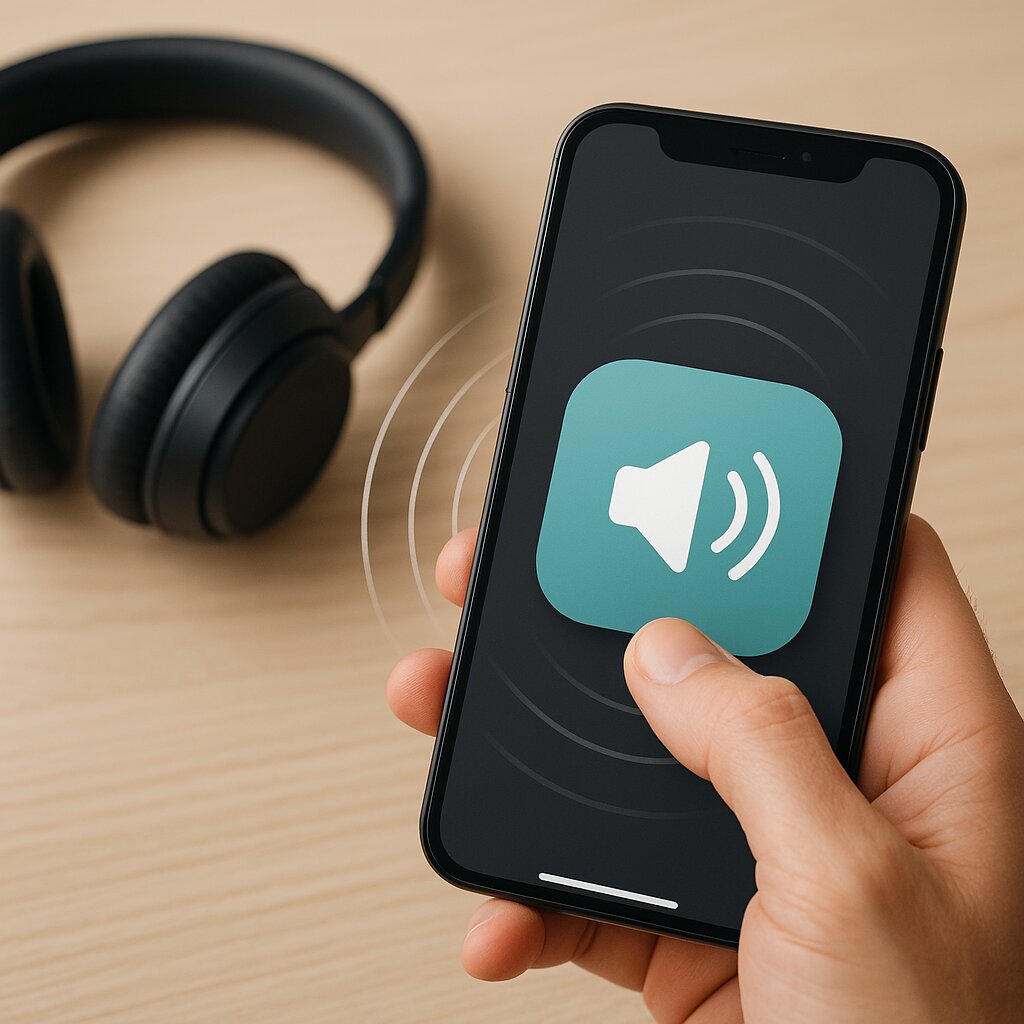
Micro-interactions are the brief, often subconscious moments where the product responds to a user: a button press animation, a sent-message blip, a gentle vibration on successful save, the little copy that appears when you hover. They're not the feature; they're the punctuation. They answer the question: did that action land?
Why call them the “reverb” of UX?
In music, reverb gives a sound its place in space — a dry guitar versus one sitting in a cathedral. Micro-interactions do the same for interfaces: they locate actions in time, confirm intent, and build a product's sonic personality. When done right, the whole experience feels coherent; when absent, everything sounds thin.
- They provide feedback: immediate confirmation that something happened.
- They suggest affordance: subtle motion hints at what can be interacted with.
- They create rhythm: predictable timing that helps users build mental models.
- They signal brand personality: playful, stern, calm — your micro-interactions sing your brand.
Design principles — think like a producer
- Subtlety over spectacle: Reverb shouldn't drown the melody. Keep micro-interactions tasteful; delight, don't distract.
- Timing is everything: Attack and decay matter. A 50ms tap response feels crisp; a 400ms confirmation can feel sluggish or theatrical depending on context.
- Consistency: Use a consistent motion and sound palette so your product has a single, recognizable room.
- Immediate feedback: Show a state change quickly to reduce user anxiety — even if final processing takes longer.
- Personality: Let microcopy and tone match your brand's voice. Small quips or calm confirmations set expectations.
- Accessibility: Sound and motion must have visual/haptic alternatives: aria-live regions, color contrast, vibration patterns, or visible snackbars.
- Performance-first: Keep animations and audio light. A buttery UI is still a silent UI if it stutters.
Practical recipes — five micro-interactions to ship this week
- Press state: Button scales to 0.96 for 80ms, then eases back. Immediate tactile confirmation.
- Success cue: Tiny checkmark fade-in with a soft 250ms ease and a 300ms dismissal.
- Error nudge: Short horizontal shake + color flash; pair with clear microcopy explaining the fix.
- Loading shimmer: Skeleton blocks with a 600ms shimmer loop — signals progress without anxiety.
- Onboarding hint: Contextual micro-copy that appears once, with a subtle highlight pulse to draw attention.
Micro-interactions are the studio’s reverberation — they make a simple chord feel like a room you want to stay in.
Measure the mix
Don’t design in a vacuum. Track task success, time-to-complete, error rates, and qualitative delight. Run small A/B tests: a 50ms vs 120ms animation can change perceived speed. Watch users — sometimes the micro-interactions they notice are the ones that reduce confusion most.
Ship faster with the studio in the background
When you’re polishing micro-interactions, you want iteration speed, not infrastructure headaches. That’s where Jaopaya Framework (Tech = $0) lives in my mental studio — component primitives, sane defaults, and low-friction tooling so you can focus on craft over plumbing. It’s the quiet producer that helps ideas record quickly, letting you experiment with tone and timing without rewriting the track.
Mini-lesson / Checklist
- Listen first: observe where users hesitate or repeat actions.
- Start subtle: ship small, then nudge intensity based on feedback.
- Always provide non-audio alternatives for accessibility.
- Measure one metric tied to the micro-interaction and iterate fast.
- Prototype quickly — use frameworks or component kits (Jaopaya Framework (Tech = $0) can help) and trust your ears.
Make songs ↔ build startups: focus on the melody, but don’t forget the reverb. — Your friend in product and playlists